
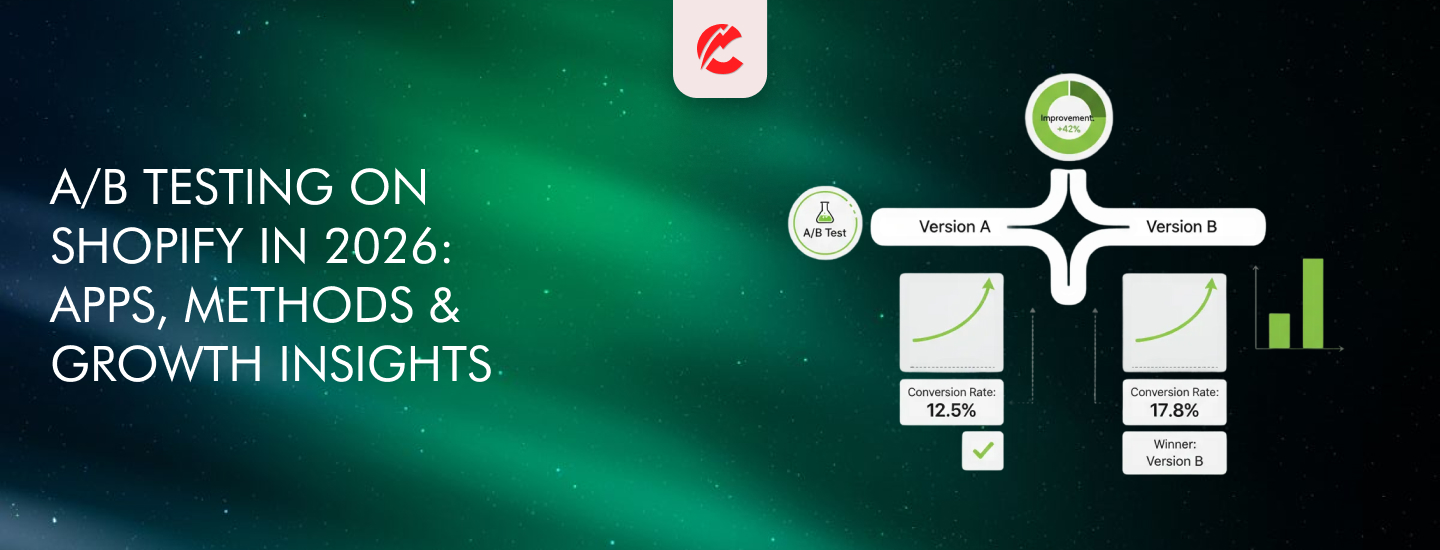
In 2026, Shopify brands can’t afford to guess what works. A/B testing removes the guesswork — and replaces it with proof.
Whether you’re testing headlines, product page layouts, pricing, or CTAs, A/B testing tells you what actually improves conversions.
Here’s how to do it right:
What Is A/B Testing?
It’s a method of comparing two versions of a page or element to see which performs better. One group sees version A, the other sees version B.
You measure:
- Conversions (orders, clicks, signups)
- Time on page
- Bounce or drop-off rates
What to Test on a Shopify Store
- Homepage headlines
- Product page descriptions or media
- Add-to-cart button color or placement
- Checkout layout (Shopify Plus only)
- Discount vs. free shipping offers
Best A/B Testing Tools for Shopify
1.Neat A/B Testing (Shopify App)
- Simple to set up on product pages
- Test pricing, media, product copy
2.Intelligems
- Advanced pricing & shipping tests
- Great for revenue impact insights
3.Convert (via Shopify Hydrogen or Headless)
- For developers testing headless storefronts
4.VWO / Optimizely (Enterprise)
- Full CRO suite for large-scale testing
How to Run a Test
- Pick one variable (e.g., button color — not color AND headline)
- Set a goal (e.g., increase product page conversions)
- Split traffic 50/50 between A and B
- Run the test for 2–4 weeks or until statistical significance
- Analyze results — not just for lifts, but confidence intervals
Common A/B Testing Mistakes
- Testing too many variables at once
- Not waiting for enough data (underpowered tests)
- Drawing conclusions from short-term trends
A/B testing takes time — but it pays off in compounding conversion gains.
Final Thoughts
Your best-performing pages didn’t get there by accident — they got there through testing.
If you’re serious about increasing conversions, A/B testing must be part of your 2026 playbook.
Need help designing and executing a test plan? CommerceBolt can help you build it.